🎄 Holidays & Celebrations
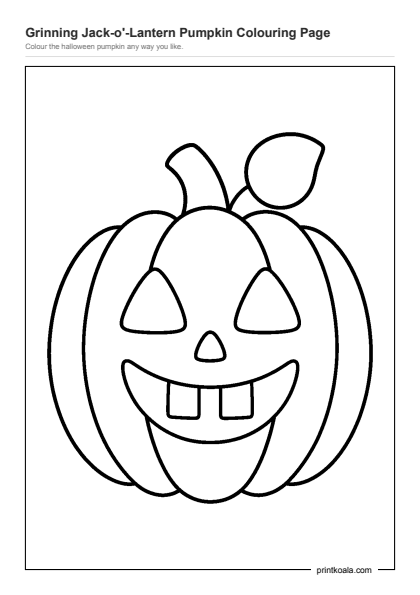
Grinning Jack-o'-Lantern Pumpkin Coloring Page
Ages 2–4
575 of our pictures open in a coloring canvas right in the browser. Pick a color, tap a part of the picture, and it fills in. No app to install, no account, and nothing to pay — the same terms as the printables.
It is built for the age this whole site is built for. Taps are large and forgiving, every region is closed so paint cannot leak into the next shape, and there is no timer, no score and no way to lose. A two year old who cannot yet hold a crayon steadily can still fill a whole picture with a finger.
Work is saved in your own browser, so a half-finished picture is still there when you come back. Nothing is uploaded and nothing is tied to an account, which also means clearing your browser data clears the drawings.
In season right now. Each one opens in the canvas, the same as the rest.
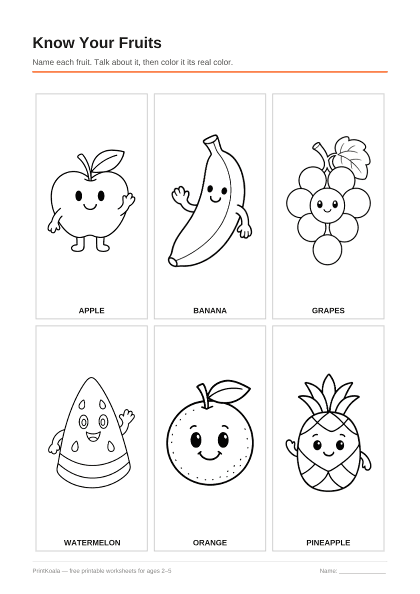
The newest from each theme, biggest themes first. Every one of these also prints as a normal black-and-white PDF.
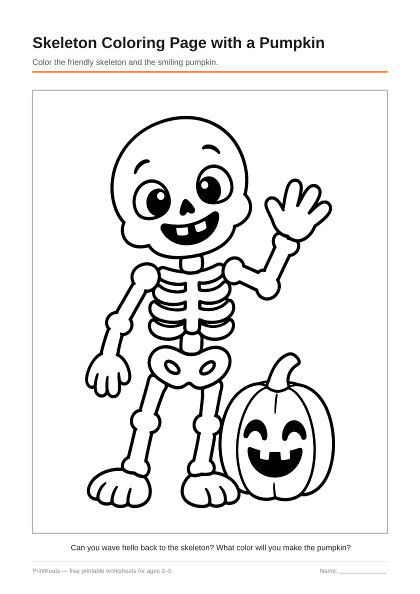
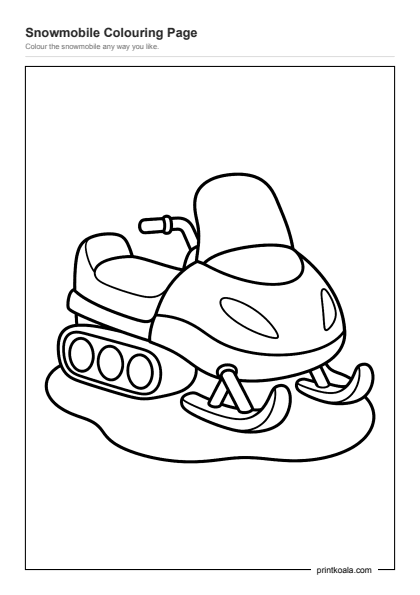
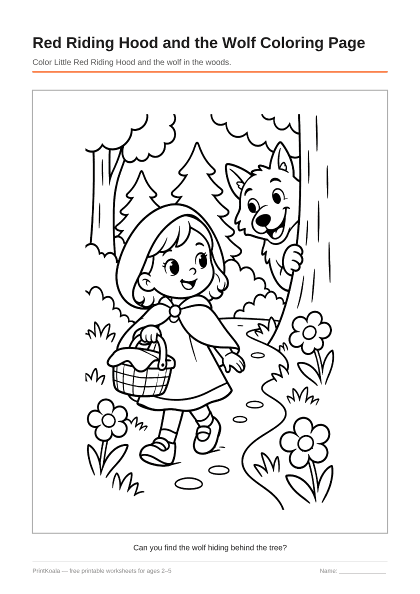
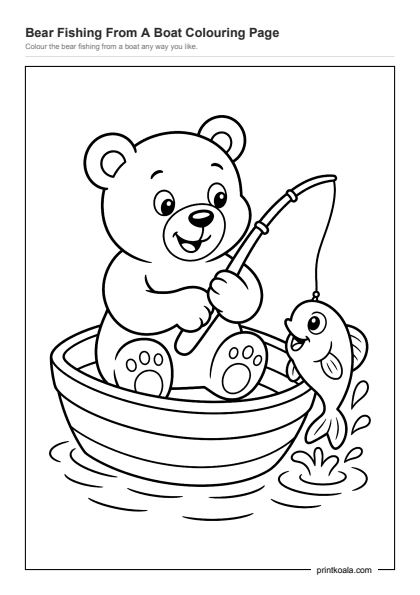

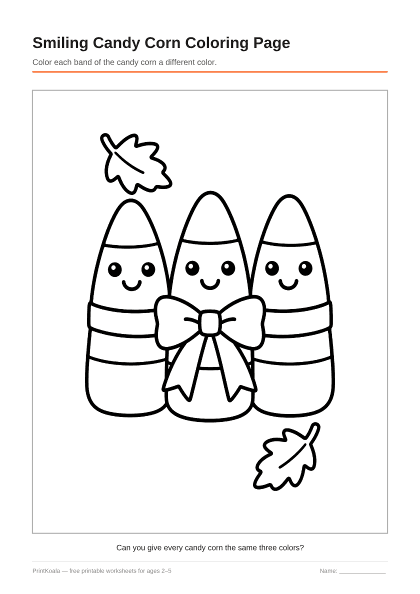
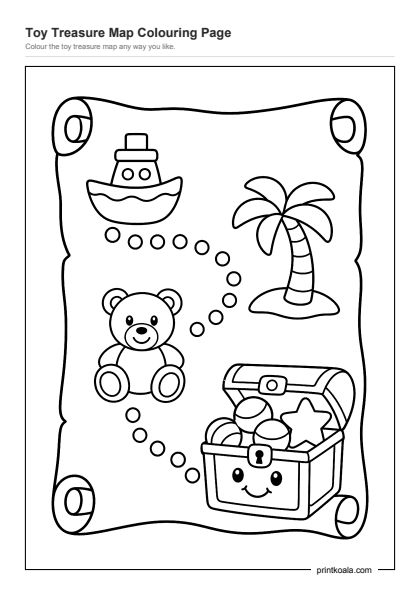
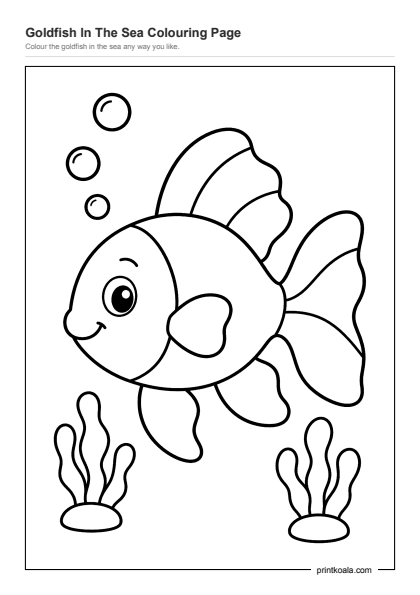
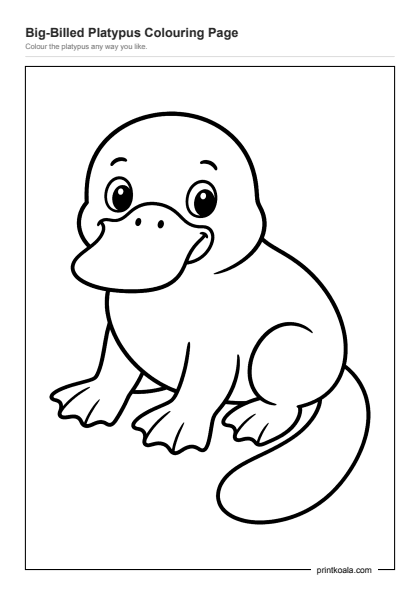
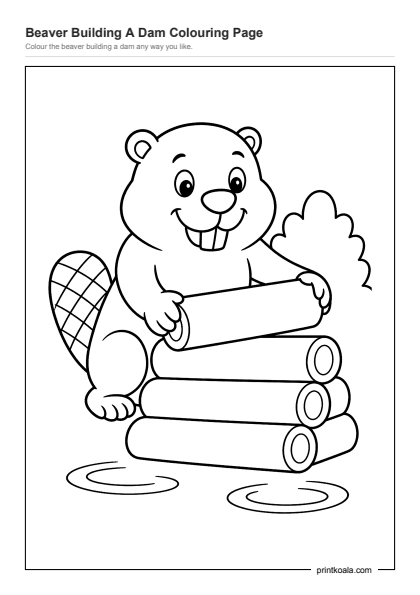
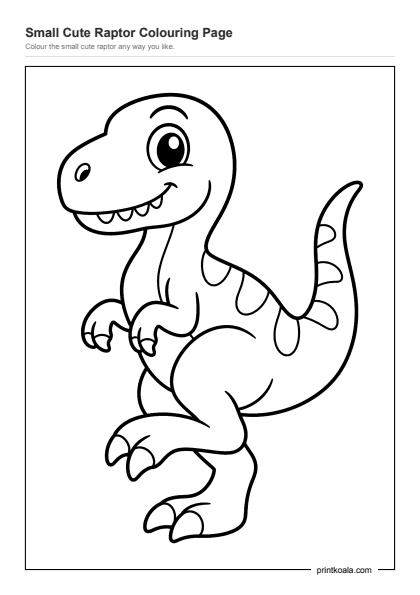
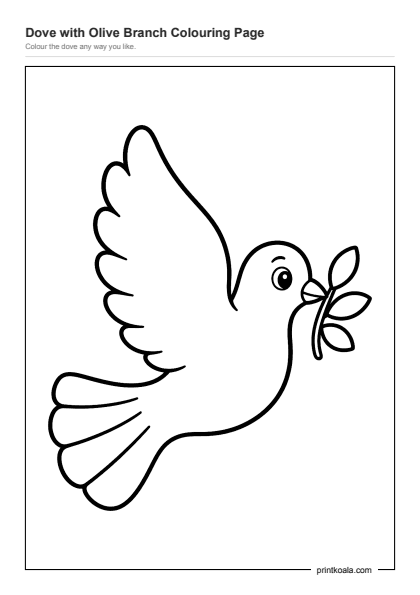
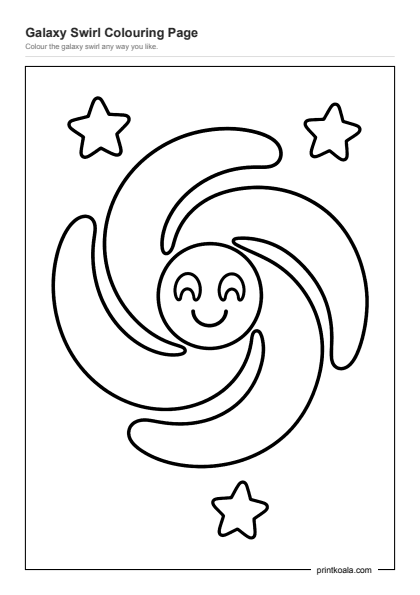
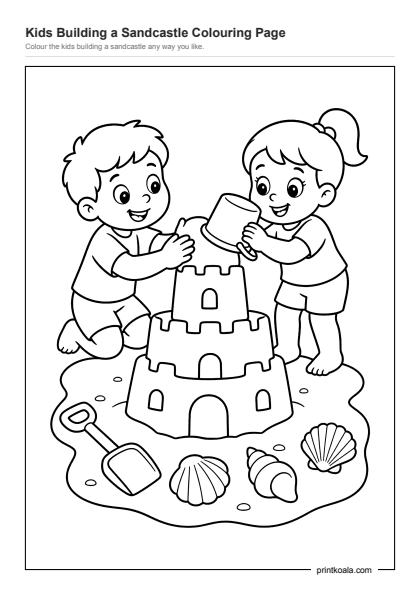
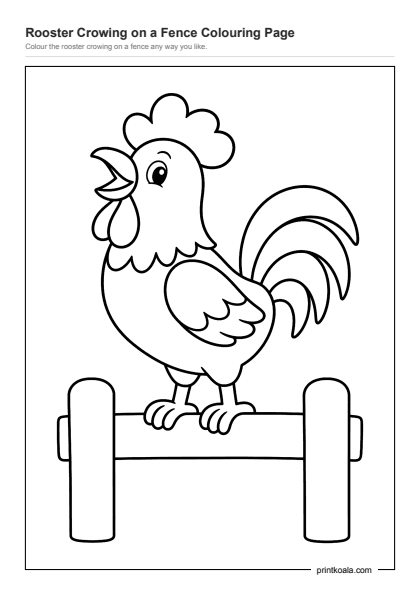
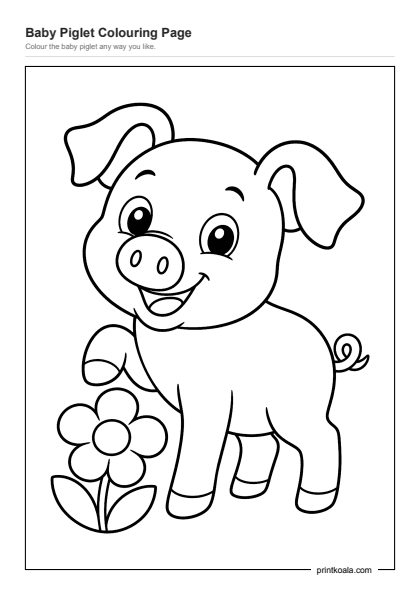
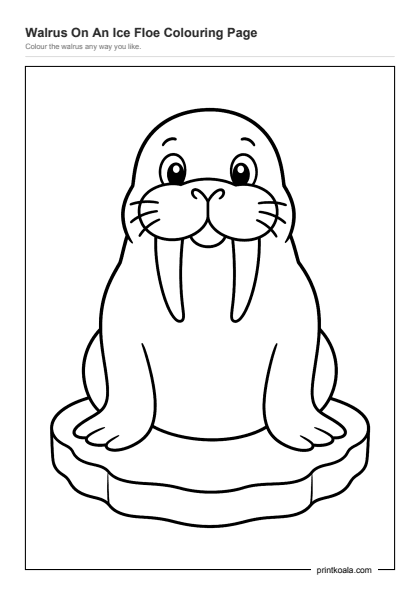
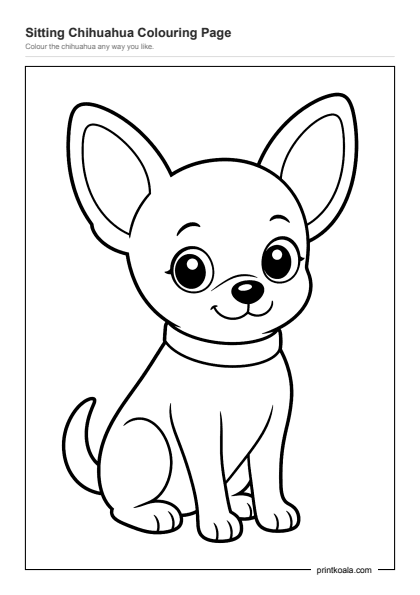

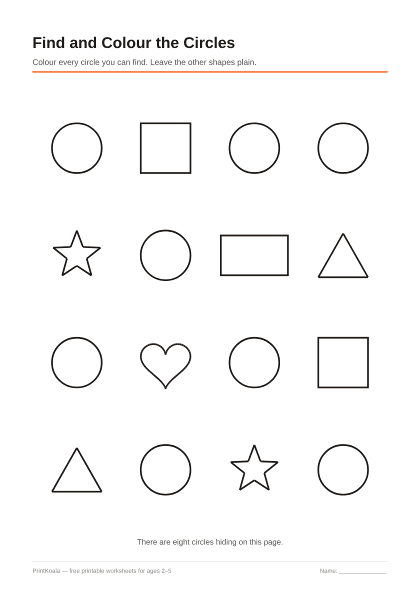
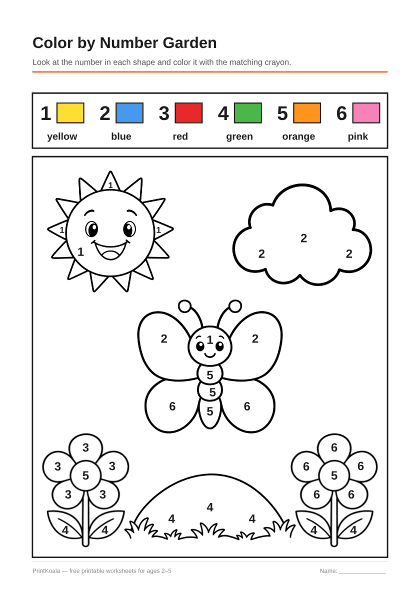
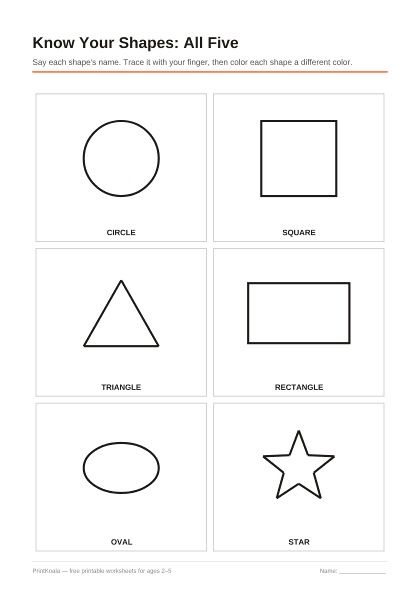
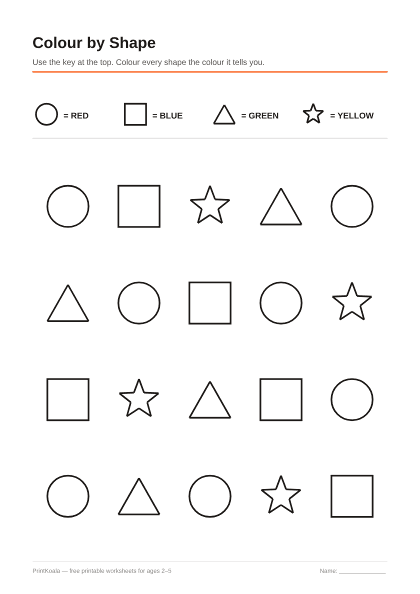
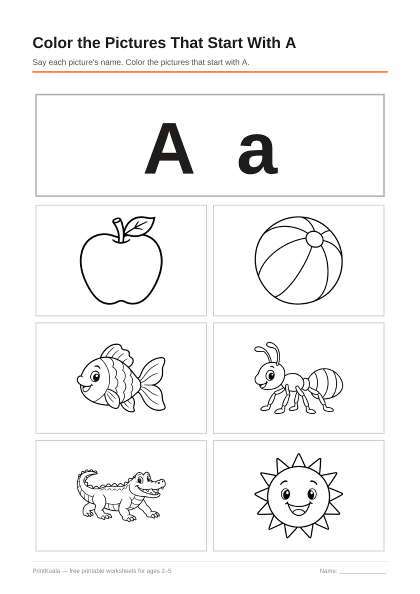
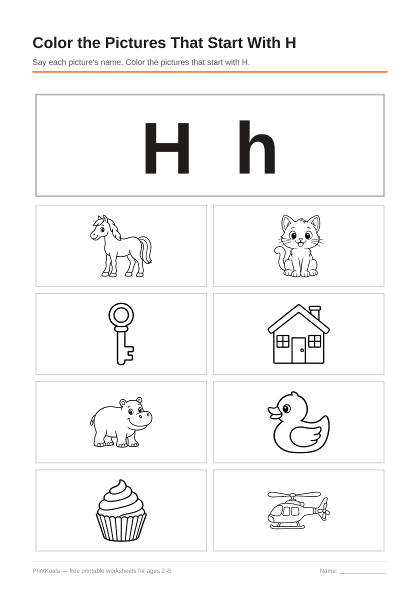
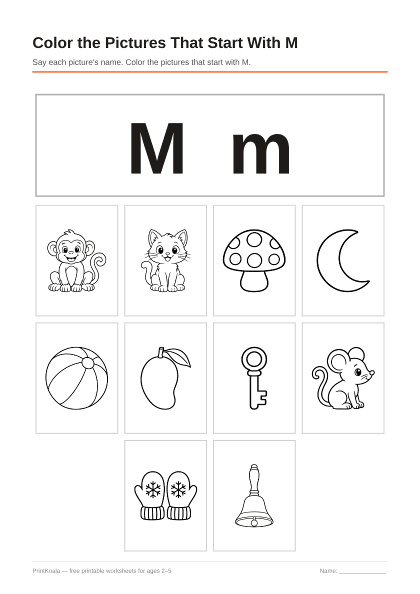
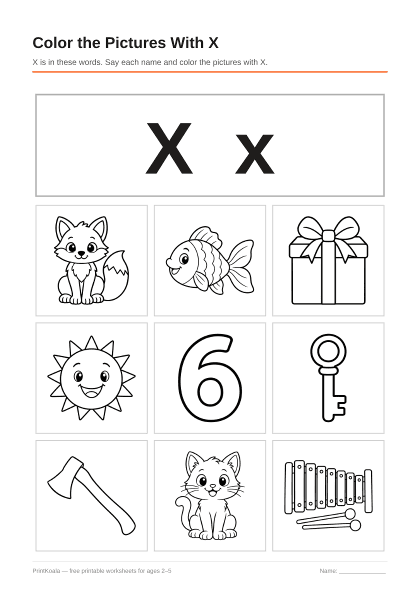
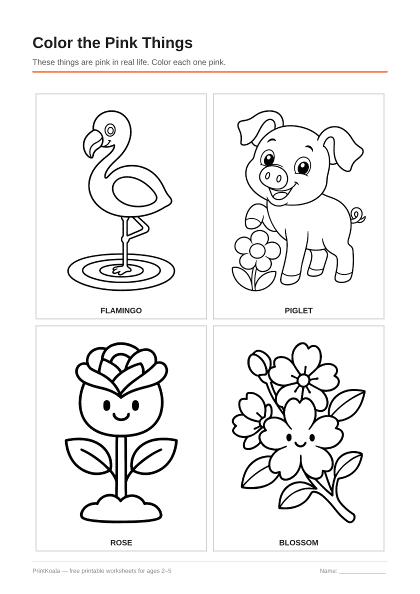
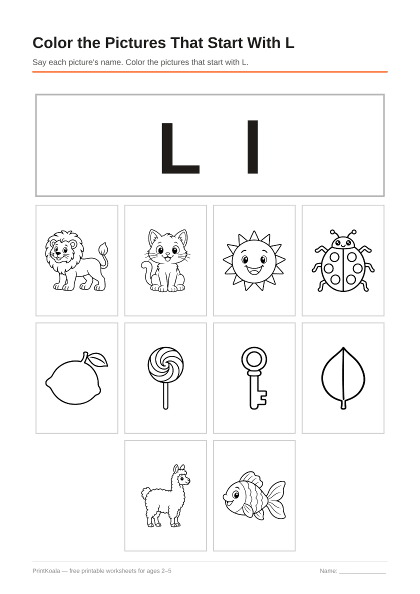
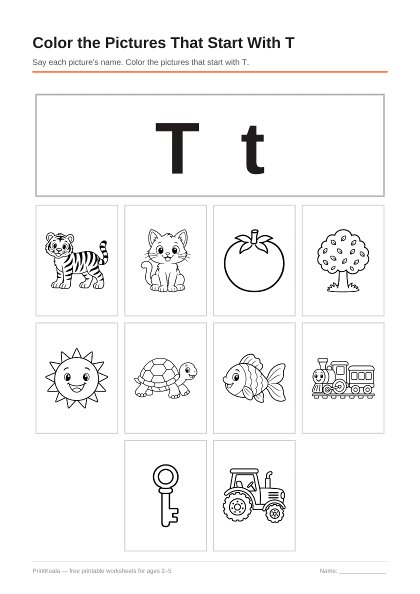
Worksheets where coloring is the task: find the circles, color by number, pick out the red things. The page opens in the same canvas, and each one still prints as a PDF.
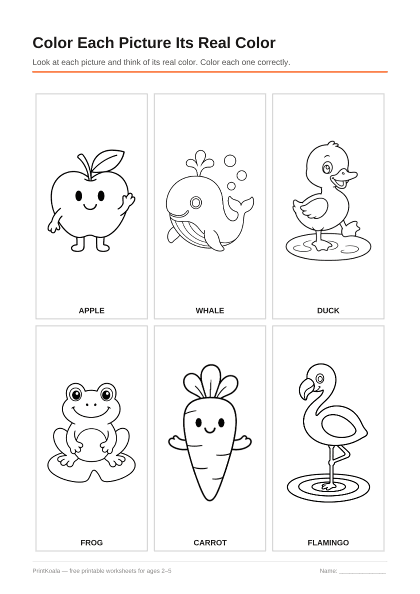
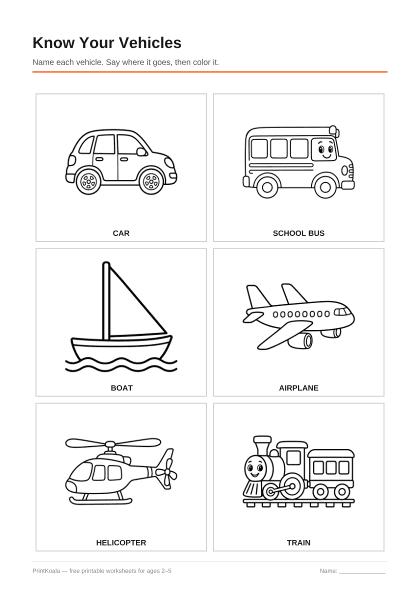
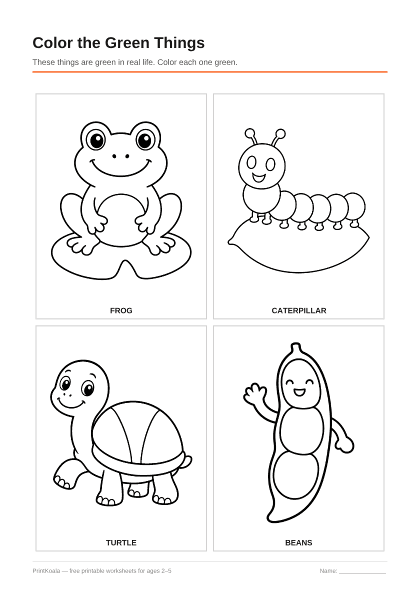
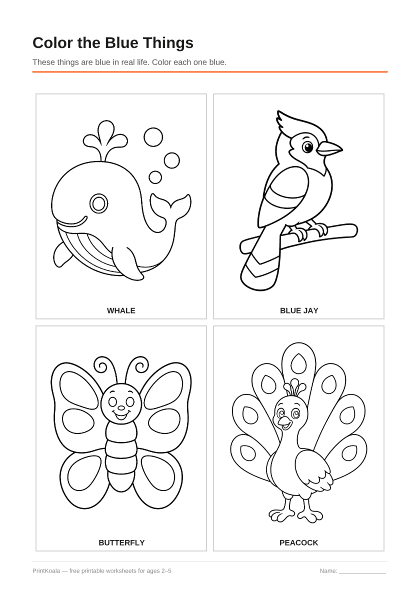
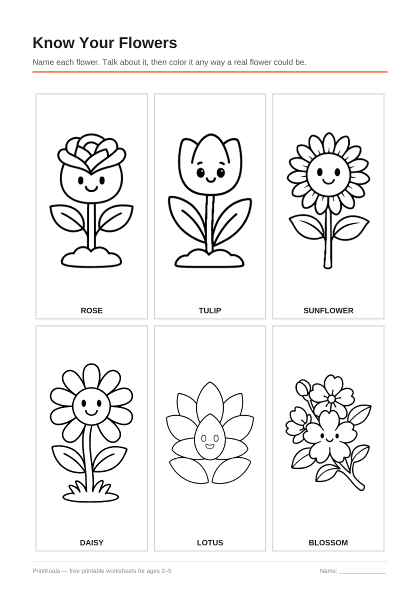
Both, and for different reasons. Coloring on a screen costs nothing in ink and cannot be spoiled, which makes it the better option for a child who is still deciding whether they enjoy this at all, or for a restaurant table where crayons would end up on the floor.
Paper is what builds the hand. Gripping a crayon, pressing hard enough to leave a mark, and staying roughly inside a line are physical skills, and a fingertip on glass practices none of them. If the goal is getting ready to write, print the sheet. If the goal is twenty quiet minutes, the screen is fine — and printing it afterwards costs nothing either.
Our printing guide covers the one setting that matters if you go the paper route, and the age pages say which pictures suit which stage.